For creators
Package the harness you have refined, describe what it needs, publish versions, and remain the source of truth.
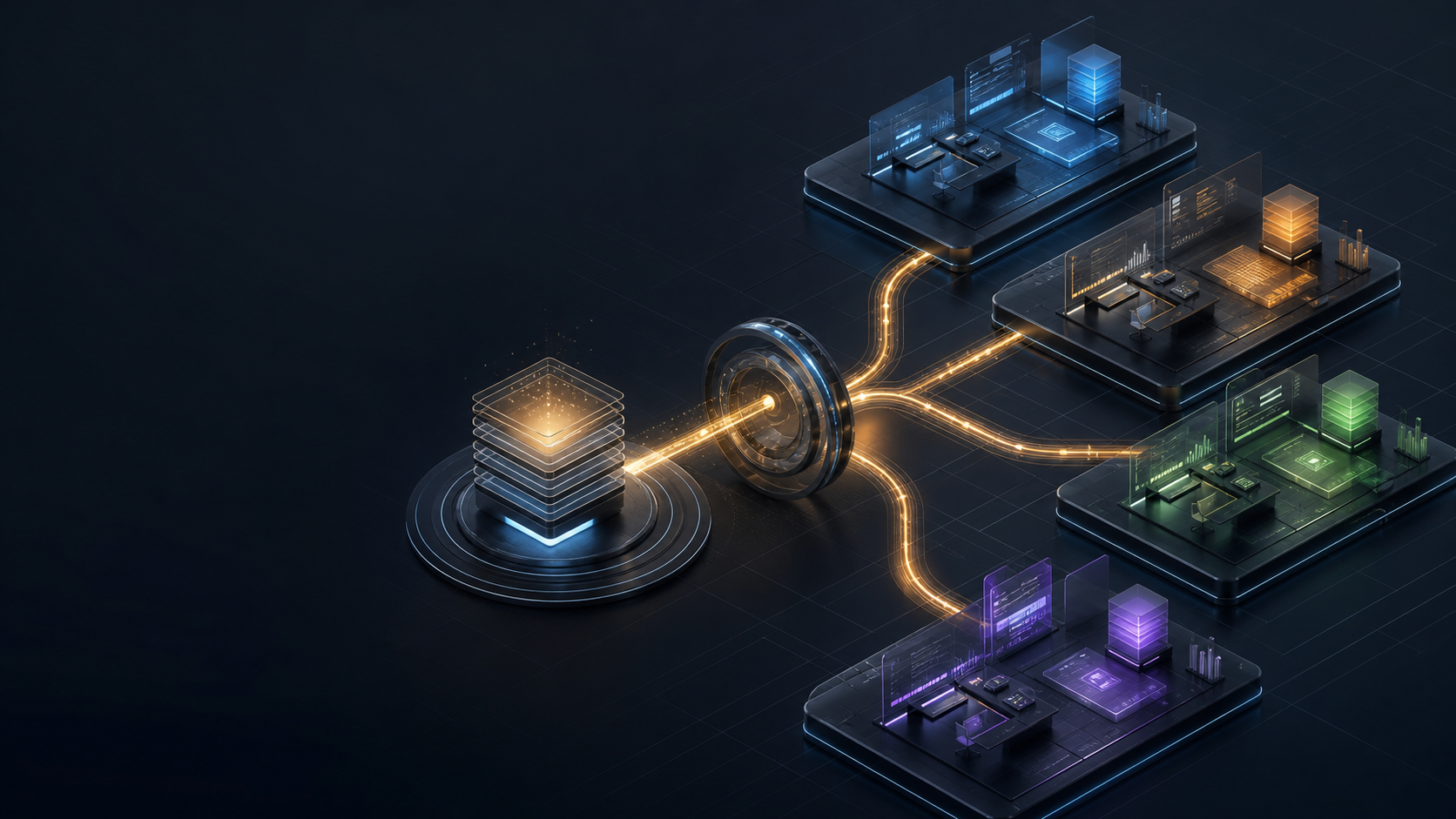
A distribution hub for AI harnesses
Creators are assembling remarkable Codex and Claude environments from agents, skills, plugins, instructions, and Markdown. Harness Hub is designed to turn that configuration into a versioned package people can deploy to their own workstation—and keep aligned with its creator.
The invention already exists
Many so-called AI “brains” are thoughtfully organized Markdown, agents, skills, plugins, hooks, and settings in a GitHub repository. That is not a weakness. It is the configuration.
But how does someone else get a faithful, working copy?
Package the harness you have refined, describe what it needs, publish versions, and remain the source of truth.
Give a squad, method, or “brain” one canonical release instead of a repository plus an expanding setup guide.
Choose a harness, review what it contains, and deploy an approved copy into a local environment on the workstation.
Creator to workstation
Build the agents, instructions, skills, plugins, and provider configuration that make your harness useful.
Turn the non-secret configuration into a versioned Harness Image with requirements, provenance, and explicit exclusions.
Store the release in Harness Hub so followers, clients, or an organization can select a known definition.
The Workbench Client prepares an isolated Harness Host on the user's workstation and binds credentials only after deployment.
Compare the installed configuration with the selected release, explain differences, and offer controlled updates or rollback.
A different category from Coder
The clean boundary
Configuration in the Hub. Runtime on the workstation.
If you need centrally provisioned development environments, platforms such as Coder address that category. Harness Hub addresses how a creator's AI configuration reaches someone else's local environment and remains a recognizable copy.
What travels—and what does not
The reusable package contains the creator-approved, non-secret harness definition. User and client identity is bound locally after deployment.
The configuration is the product
A harness can be a focused solo workflow, a squad of agents, a professional method, or an organization's approved baseline. The Hub does not need to invent the “brain.” It gives that brain a reliable way to travel.
Direct answers
Clear definitions for creators, prospective users, teams, and organizations evaluating how portable AI configuration should work.
Clear about maturity
AI Harness Workbench is in architecture and contract validation. The first MVP pairs Harness Hub with a Workbench Client that deploys a Codex harness into dedicated WSL on a workstation.
The creator publishing flow, catalogue, entitlement model, deployment client, and alignment checks are product direction being shaped through bounded design partnerships—not generally available product claims.
Creator and design-partner conversations
Bring one real GitHub-distributed squad, harness, or configuration. We will map what belongs in its package, what must stay local, and what a faithful workstation deployment would require.
Talk to Richard about distributing itPrefer email? Send Richard what you have built. Creator conversations remain separate from the installation wait-list.
What we will learn together